How to Know If Your Computer Has a Virus: 9 Warning Signs (2026)
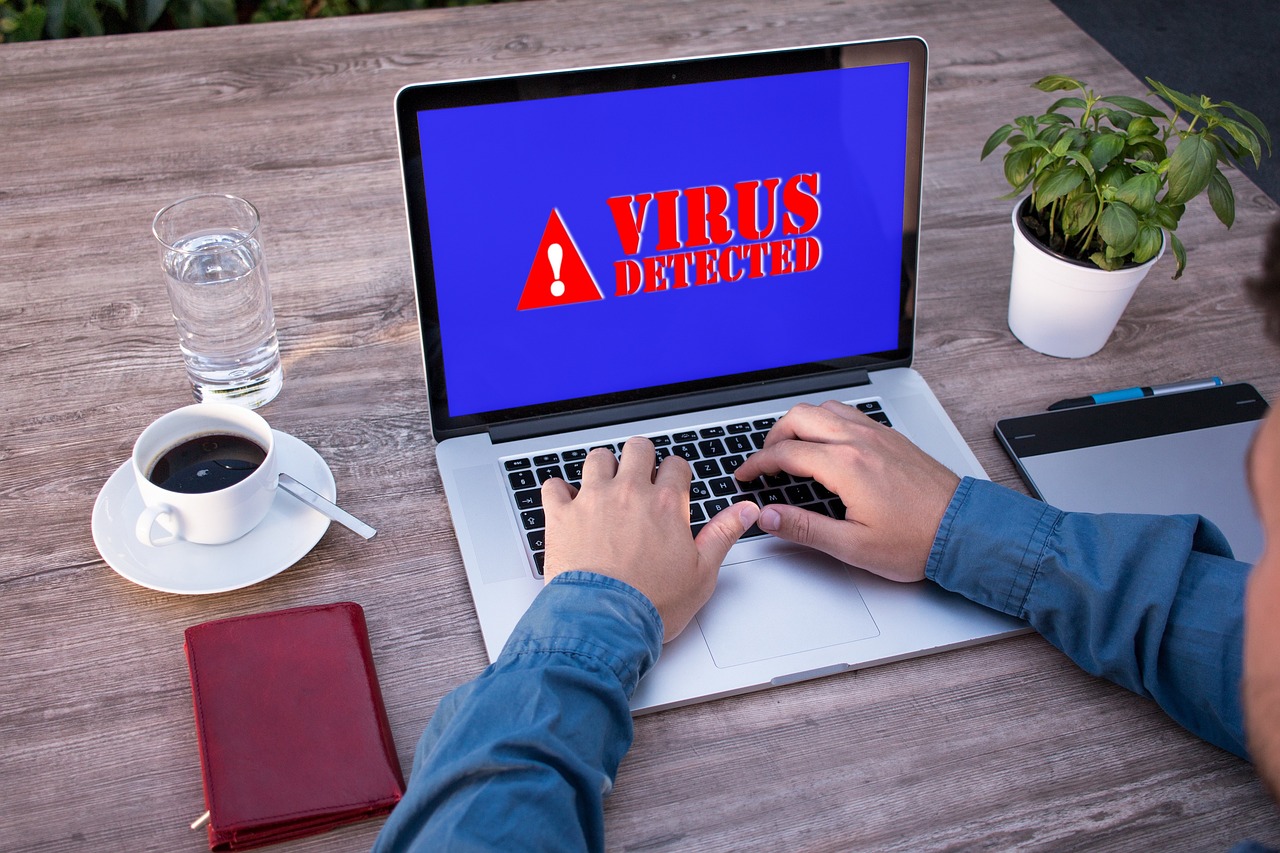
A slow PC, a pop-up, a setting that changed on its own - and the worry starts: do I have a virus? Sometimes yes, often no. The honest answer is that you cannot be sure from symptoms alone; you confirm it with a scan. This guide covers the real warning signs, how to check properly, and what is usually a false alarm.
Common signs your computer has a virus
No single sign proves an infection, but several of these together are a strong signal:
- The PC suddenly runs slowly, or the fan spins hard even when idle.
- Your browser homepage or default search engine changed by itself.
- Pop-ups appear on the desktop or in the browser when you did nothing.
- New toolbars, extensions or programs you never installed show up.
- You are redirected to strange websites you did not type.
- Your security software is disabled and will not turn back on.
- Files are missing, encrypted, or renamed without your action.
- Contacts get messages or emails from you that you never sent.
- The PC crashes, freezes, or restarts on its own more than usual.
What is usually NOT a virus
Being honest about this saves a lot of panic. A PC that has simply gotten slower over years is often just full storage, too many startup programs, or aging hardware - not malware. One ordinary pop-up inside a website, or a browser warning on a sketchy page, is the browser doing its job, not proof of infection. Treat a single mild symptom as a prompt to check, not a verdict.
How to confirm it: run a scan
Symptoms only suggest; a scan confirms. Do both of these:
- Run a full Microsoft Defender scan. Open Windows Security → Virus & threat protection → Scan options, choose Full scan, and let it finish. It is one of four scan types offered there, and unlike the quick scan it checks every file and running program on the disk, which is why Microsoft warns it can take longer than an hour.
- Run a second-opinion on-demand scanner. Some malware slips past any single engine, so add a reputable on-demand scanner like the free Malwarebytes scanner. Because it scans on request, it runs safely alongside Defender.
If both come back clean and the symptoms continue, the cause is more likely a performance or hardware issue than a virus.
Check what is running and starting up
Beyond scanners, look for yourself. Open Task Manager (Ctrl+Shift+Esc) and watch for unknown processes using heavy CPU, disk, or network when you are doing nothing. Click the CPU column once to sort by it, and judge against a realistic baseline: an idle Windows desktop normally sits in the low single digits of CPU percentage, so a process holding 50% or more while you touch nothing is the one to identify. Open the Startup tab and disable programs you do not recognize. Finally, review your browser extensions and remove any you did not deliberately install - hijacked browsers are one of the most common infection signs.
What to do if you find one
If a scan confirms an infection, do not panic - most are removable. Quarantine or remove what the scanner flags and reboot. Then work through the targeted steps for your specific problem: our guides cover removing spyware, removing a trojan, and clearing a browser hijacker. If the malware was an info-stealer or keylogger, assume your credentials were exposed - starting with your email account, which can reset every other login.
The bottom line
You know your computer has a virus when several warning signs appear together - and you confirm it with a full Defender scan plus a second-opinion scanner, not from symptoms alone. Many slowdowns are not malware at all, so check before you worry. If a scan does find something, quarantine it, follow the right removal guide, and change any passwords that may have been exposed.
Related reading: Cryptojacking · How to Remove a Pop-Up Virus
One category is worth ruling out before any of the checks above: an alert that appeared in a browser tab. Scareware stages a scan it could not have run, and the machine it warned you about is usually clean.