Cryptojacking: The Malware That Steals Electricity Instead of Data
Almost every malware guide teaches you to look for signs of theft: files encrypted, accounts accessed, strange logins. A coin miner triggers none of those, because it is not after your data at all. It wants your processor, and it wants to keep it for as long as possible without you noticing.
What it actually takes
Mining is, in Microsoft’s description, the process of running the complex mathematical calculations needed to maintain a blockchain ledger. It generates coins, and it requires significant computing resources.
That last part is the entire business model. Rather than buying hardware and paying for electricity, an attacker runs the calculation on machines belonging to other people. Microsoft is direct about the motive: criminals distribute, install and run trojanized miners at the expense of other people’s computing resources.
So the loss is real but unfamiliar. Nothing is exfiltrated. You pay in processor time, in heat, in a shortened battery life, and in electricity.
The nuance that matters for detection
Here is a point worth stating clearly, because it explains why these things slip past scanners.
Coin miners are not inherently malicious. Microsoft says so plainly: individuals and organisations invest in hardware and electric power for legitimate mining. The software itself is not the crime. Running it on someone else’s machine is.
That is an awkward boundary for security tools, and it has a practical consequence covered further down: a good deal of mining software is classified not as malware but as a potentially unwanted application, which many systems will not act on unless you tell them to.
How it arrives
Microsoft lists three common starting points, and they map onto ordinary daily activity rather than exotic attacks:
- email attachments that attempt to install malware
- websites hosting exploit kits that target vulnerabilities in browsers and other software
- websites that run scripts while you browse, using your processing power for as long as the page is open
The third is the one people underestimate, because it requires no installation at all. Close the tab and it stops. Leave the tab open in the background for an afternoon and it does not.
A documented chain, end to end
Microsoft publishes a concrete example, and it is worth following because every step is an ordinary technique rather than anything exotic.
A Word document carrying a DDE exploit, detected as Exploit:O97M/DDEDownloader.PA, launches a cmdlet. That cmdlet runs a malicious PowerShell script, detected as Trojan:PowerShell/Maponeir.A. The script downloads a trojanized miner: a modified build of XMRig, which then mines Monero. Monero is the currency of choice here for a structural reason: since its November 2019 fork it uses the RandomX algorithm, which is deliberately optimised for ordinary CPUs rather than the specialised ASIC hardware that dominates Bitcoin. A stolen office PC is therefore competitive mining equipment, which it would not be on most other chains.
Two things stand out. The miner at the end is a modified version of a legitimate tool, which is why signature-based detection struggles. And the delivery mechanism, DDE exploits in Office documents, was previously used to distribute ransomware. The same doors are used for different rooms.
What you would actually notice
Because nothing is stolen in the usual sense, the symptoms are physical rather than digital:
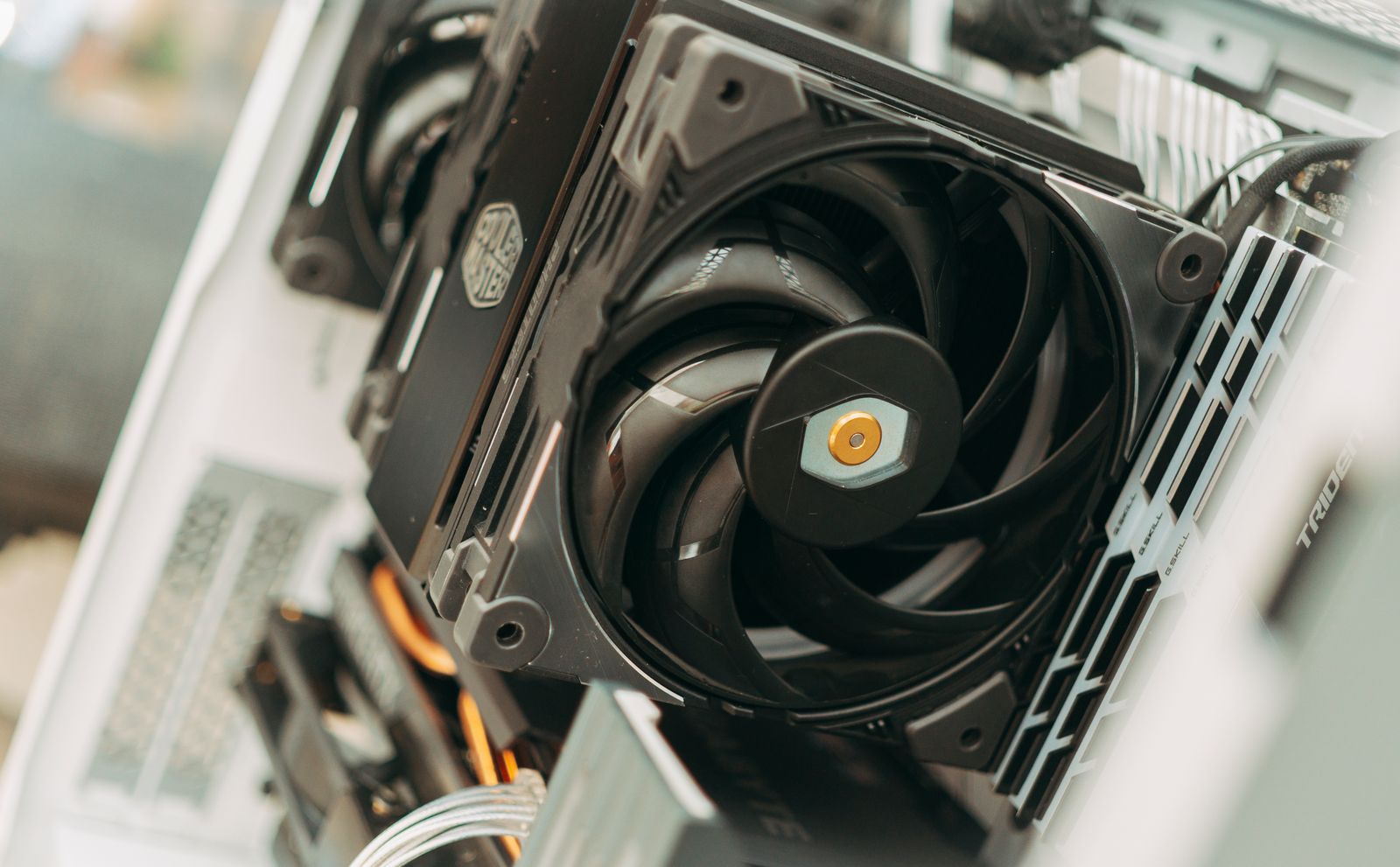
The machine is hot and loud when it should be idle. A fan running hard on a laptop doing nothing is the single most common first clue.
Everything feels slower, especially anything that needs the processor. Mining takes what it can get. RandomX in its fast mode also allocates a 2080 MB dataset per mining instance, so an unexplained process holding roughly two gigabytes of memory alongside sustained CPU use is a more specific clue than the heat alone.
Battery life collapses on a laptop, and the device is warm even on light tasks.
The electricity bill drifts upward if the machine runs continuously. On one home computer this is small. Across an office, it is the reason enterprises care.
None of these is proof on its own. An ageing battery, a failing fan or a badly behaved browser tab produce the same effects, and jumping to malware is how people end up reinstalling an operating system to fix a dusty heatsink.
The setting most people leave off
This is the practical takeaway, and it follows directly from the boundary above.
Microsoft’s stated protection guidance is to enable potentially unwanted application detection. Some mining tools are not classified as malware but are detected as PUA, and the same setting also covers adware and torrent downloaders. The documentation notes these applications can negatively affect machine performance.
The reason it matters here is specific: if a miner is riding on software that sits in the PUA category rather than the malware category, a scanner with PUA detection disabled will look at it and pass. Turning that on costs nothing and closes the exact gap this threat lives in.
The short version
Cryptojacking is theft of computing resources rather than of data, which is why it evades the checklist most people use to spot an infection. It arrives through email attachments, exploit kits, or scripts running in a browser tab.
Microsoft’s documented chain runs from a DDE exploit in a Word file through PowerShell to a modified XMRig mining Monero, and the miner being a modified legitimate tool is exactly what makes it slippery.
Watch for a machine that is hot, loud and slow while idle, treat those signs as a reason to look rather than a verdict, and turn on potentially unwanted application detection, because that is the category a good deal of this software falls into.
The description of coin miners, including the three infection vectors, the statement that coin miners are not inherently malicious, the DDE to PowerShell to XMRig chain mining Monero, and the guidance to enable potentially unwanted application detection, is taken from Microsoft’s Defender for Endpoint documentation on coin miners, checked at the time of writing. Threat techniques evolve; verify against current vendor documentation before relying on a specific detail. Commercial links carry the rel=“sponsored nofollow” attribute; an affiliate commission may apply at no extra cost to you.