Fileless Malware: Why Your Scan Comes Back Clean, and What That Actually Means
If a machine behaves badly and every scan returns clean, “fileless malware” is the phrase people reach for next. It is a real category, but it is also used far more loosely than most articles admit, and the looseness is the first thing worth clearing up.
There is no single definition, and Microsoft says so
This is the honest starting point. Microsoft’s own documentation states that there is no one definition for fileless malware, that the term is used broadly, and that it is sometimes applied to malware families that do rely on files to operate.
So when a page tells you fileless malware “never touches your disk”, it is describing one specific case as though it were the whole category. The useful framing is Microsoft’s own, which sorts these threats into three types by how much fingerprint they leave.
Type I: no file activity at all
This is the case that matches the popular image, and it is the rarest.
The example Microsoft gives: a machine receives malicious network packets exploiting the EternalBlue vulnerability, which installs the DoublePulsar backdoor that ends up residing only in kernel memory. Nothing is written to a file. EternalBlue targets version 1 of the SMB file sharing protocol, which listens on TCP port 445, and Microsoft patched it in bulletin MS17-010, published in March 2017.
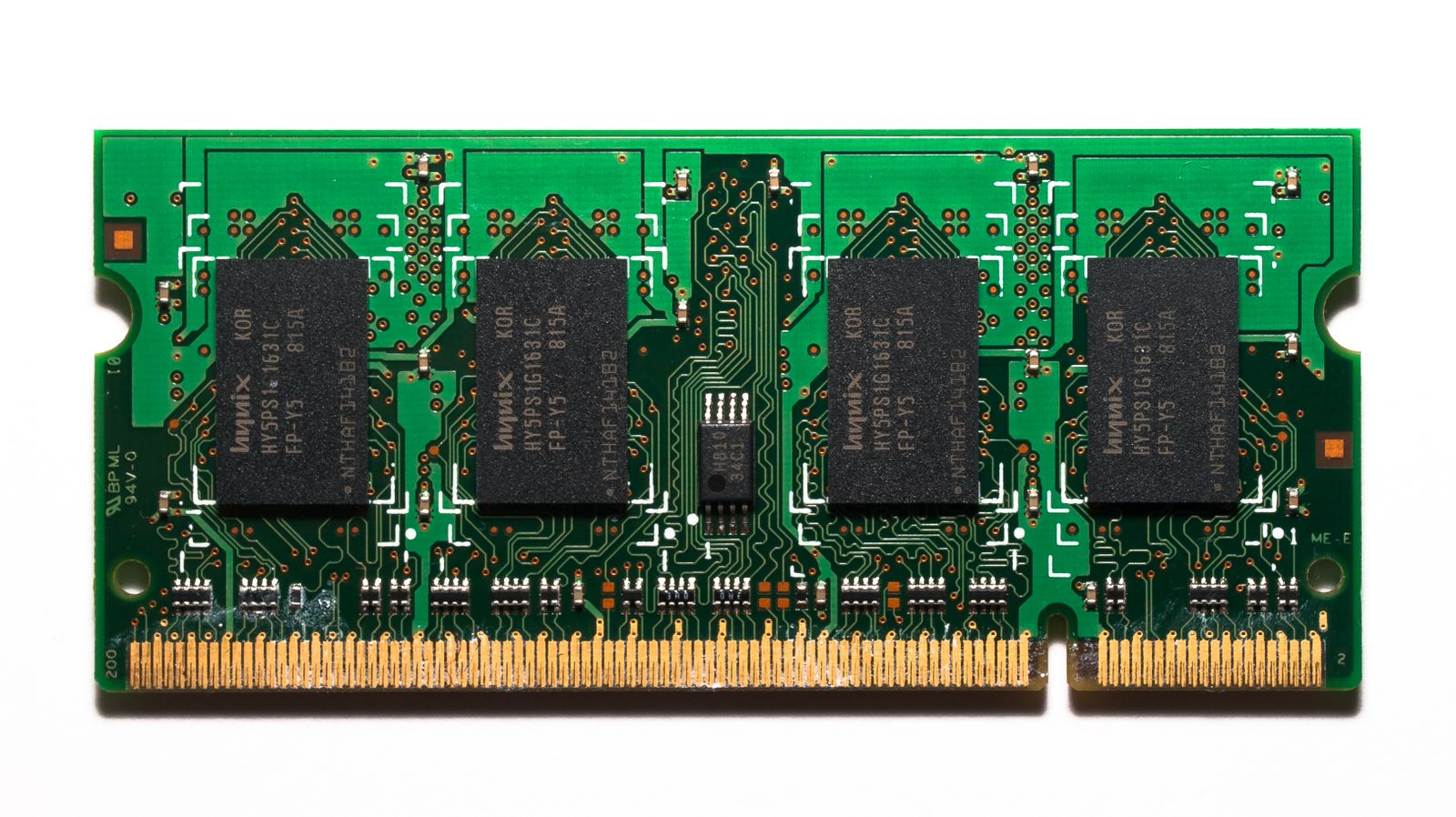
The same category covers malicious code hiding in device firmware such as a BIOS, in a USB peripheral through the BadUSB technique, or in the firmware of a network card. And here is the line worth sitting with: such code would survive reboots, disk reformats, and OS reinstalls.
Microsoft is equally clear about the limits. These infections are hard to detect because most antivirus products cannot inspect firmware, remediation at that level is genuinely difficult, and the attacks require high sophistication and specific hardware. They are uncommon and not practical for most attacks. If you are wondering whether this is what happened to your laptop, it almost certainly is not.
Type II: indirect file activity
This is where it gets practically relevant, and where the removal instinct starts to fail.
The example is the Poshspy backdoor: attackers installed a malicious PowerShell command inside the WMI repository and configured a WMI filter to run it periodically. No file is written directly by the malware.
The WMI repository does live in a physical file, OBJECTS.DATA, under %SystemRoot%\System32\wbem\Repository. But Microsoft classifies this as fileless anyway, and the stated reason is the important part: the repository is a multi-purpose data container that cannot be detected and removed. It holds legitimate system data. You cannot quarantine it, and deleting it is not an option.
That is the difference between “hidden” and “not removable by the usual means”. A scanner can be perfectly healthy and still have nothing to act on.
Type III: files required, but useless to you
The example here is Kovter, which creates a shell open verb handler in the registry for a random file extension. Opening a file with that extension executes a script through the legitimate tool mshta.exe, which reads more data from another registry key and loads the payload.
Kovter does drop files. But Microsoft considers it fileless because the file system is of no practical use: the dropped files contain junk data that cannot be used to verify the threat, and the registry files that hold the real content are containers that cannot be detected and deleted.
So the malware leaves traces, and the traces are not actionable. That is a very different situation from a virus sitting in a folder waiting to be quarantined.
Why the scan comes back clean
Putting the three types together explains the symptom that sends people searching.
A traditional scan looks for malicious files on disk. Type I has none. Type II hides inside a legitimate multi-purpose container. Type III leaves files that are deliberately meaningless. In all three cases, a clean result is the expected outcome rather than a contradiction of what you are seeing.
Microsoft’s own answer is not a better file scanner. It lists AMSI, behaviour monitoring, memory scanning and boot sector protection as the mechanisms that catch these threats, because each of them looks at something other than a file sitting on disk.
The practical translation: if you suspect something scripted, keep Windows Defender’s real-time protection on rather than disabling it in favour of an on-demand scanner. Real-time behaviour monitoring is the layer that applies here, and it is the layer people most often switch off.
What to actually do
Three steps, ordered by how much they help.
Stop asking “what do I remove”. For Type II and Type III, there may be nothing you can quarantine. The question that matters is what the intrusion touched, not what file to delete.
Treat credentials as the loss. Scripted threats overwhelmingly collect and exfiltrate. Rotating passwords from a different, clean device and invalidating active sessions reduces real harm; deleting a junk file does not.
Rebuild if it was persistent and you cannot explain how. For a machine that held financial or business data and shows behaviour you cannot account for, a clean reinstall is a reasonable and final answer. Note the honest caveat from Type I though: firmware-level code would survive even that. It is rare, but it is the reason “reinstall solves everything” is not quite true.
The short version
Fileless is a loose label, and Microsoft says so plainly. Only Type I never touches the disk, and it is uncommon and hard to pull off. Type II hides in containers like the WMI repository that cannot be detected and removed. Type III drops files that are deliberately useless for verification.
In all three, a clean scan tells you very little. The defences that work are behavioural rather than file-based, and the damage worth addressing is usually the credentials that left, not the file that stayed.
The three-type classification, the EternalBlue and DoublePulsar example, the statement that firmware-level code would survive reboots, disk reformats and OS reinstalls, the Poshspy and WMI repository case, the Kovter registry technique, the assessment that Type I attacks are uncommon and impractical, and the list of AMSI, behaviour monitoring, memory scanning and boot sector protection, are all taken from Microsoft’s Defender for Endpoint documentation on fileless threats, checked at the time of writing. Threat techniques evolve; verify against current vendor documentation before relying on a specific detail. Commercial links carry the rel=“sponsored nofollow” attribute; an affiliate commission may apply at no extra cost to you.