How to Remove Malware from a Router: The Device Everyone Forgets
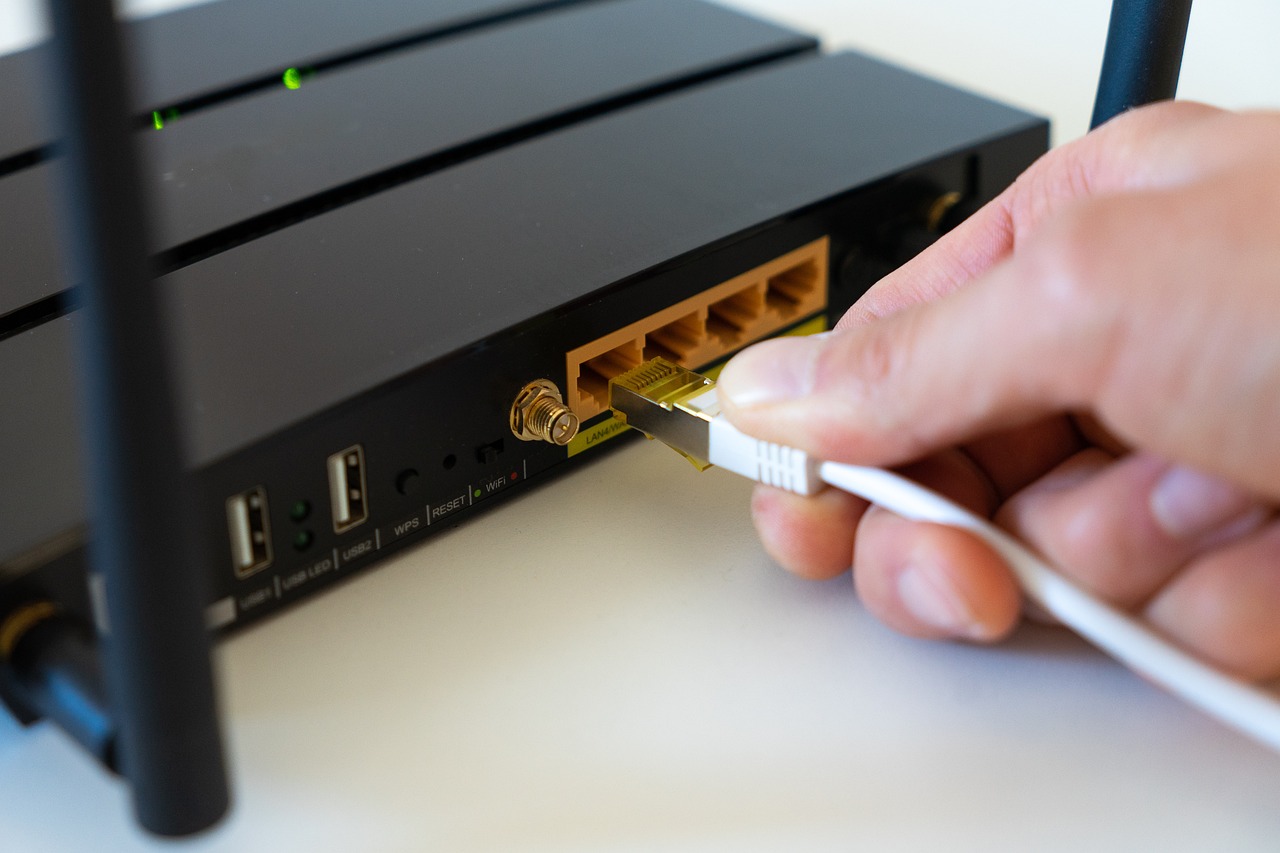
You scanned the laptop. You cleaned the phone. Both came back clean, and within a day the browser was redirecting again. When that happens, the thing to suspect is the box you have not touched in three years: the router.
A router is a small computer running its own operating system, and it can be infected like any other. Documented families such as Mirai and VPNFilter made consumer routers a mainstream target rather than a curiosity. What makes a router infection so persistent is not sophistication. It is position.
Why a router infection outlives every device cleanup
Every device on your network asks the router where websites live. That is DNS, and the router usually answers by passing the question to a resolver it was configured with.
Change that setting, and you control what every device on the network sees, without touching any of them. Your laptop is genuinely clean. The redirection is happening one hop upstream, before your traffic ever leaves the house. This is why running scanner after scanner produces clean results and no improvement, and it is the single most useful thing to understand about this problem.
Signs the router is the problem
- The same redirects or ad injections happen on every device, including one you just reset.
- Certificate or security warnings appear on several unrelated sites at once.
- The router’s admin password no longer works, or you were logged out and cannot get back in.
- The DNS servers in the router’s settings are addresses you did not set and do not recognise.
- Port forwarding rules or remote administration are enabled and you never enabled them.
- Unknown devices appear in the connected clients list and stay there.
Any one of these on its own can have a boring explanation. Two or three together point at the router.
Step 1 - Take the router off the internet
Unplug the cable that runs from the router to your modem or wall socket, the one usually marked WAN or Internet. Leave the router powered on for now so you can still reach its admin page from a device connected by Ethernet.
If you can still log in, take a photograph of the WAN, DNS and port-forwarding pages. Not to fix anything, just so you know afterwards what was changed. Do not spend long here.
Step 2 - Factory reset, which is the actual removal
Editing the settings back by hand is not removal. The malware that changed them is still running and will change them again.
Hold the recessed reset button, usually with a paperclip, for as long as your manufacturer specifies, commonly around ten to thirty seconds, until the lights change. This wipes the configuration and returns the firmware to defaults, which clears the great majority of consumer router infections.
Step 3 - Do not restore your configuration backup
This is the step almost every guide leaves out, and it quietly undoes the previous one.
If you saved a settings backup while the router was already compromised, that file contains the hostile DNS entries, the port forwards and the attacker’s admin password. Restoring it re-infects the configuration in one click, and you will conclude that the reset did not work.
Set the router up again by hand. It takes fifteen minutes and it is the difference between fixing this once and fixing it every month.
Step 4 - Close the door that let them in
Still offline, before you plug the WAN cable back in:
- Set a new admin password, long and not reused anywhere. The default printed on the sticker is in every attacker’s list.
- Turn off remote administration or management from WAN unless you genuinely need it. This is how most routers are reached in the first place.
- Turn off UPnP if nothing in your home depends on it, and WPS as well.
- Set the DNS servers explicitly to your provider’s or to a resolver you chose deliberately, so you would notice a change.
- Rebuild the Wi-Fi with WPA2 or WPA3 and a new passphrase, which also disconnects anyone still on it.
Now reconnect and update the firmware from the manufacturer’s own support page. Unpatched firmware with a published vulnerability is the other common way in.
Step 5 - Then clean your devices
The router may have been the entry point, or a compromised device may have been. Once the network is trustworthy again, work through the machines: Windows, Android, and the browsers themselves, since a browser hijacker survives independently of the network. Our list of free malware removal tools covers what to run.
When a reset is not enough
Replace the router if any of this applies:
- The symptoms return after a correct reset and a firmware update.
- The manufacturer no longer publishes firmware for the model, so known vulnerabilities will never be patched.
- The router came from an internet provider you have left, and nobody updates it any more.
There is no antivirus for a consumer router. You cannot install a scanner on it, which is precisely why the fix is a reset and a closed door rather than a product.